
Download Putrid Shark – Retro 8‑Bit RPG, Free Gameboy‑Style Adventure
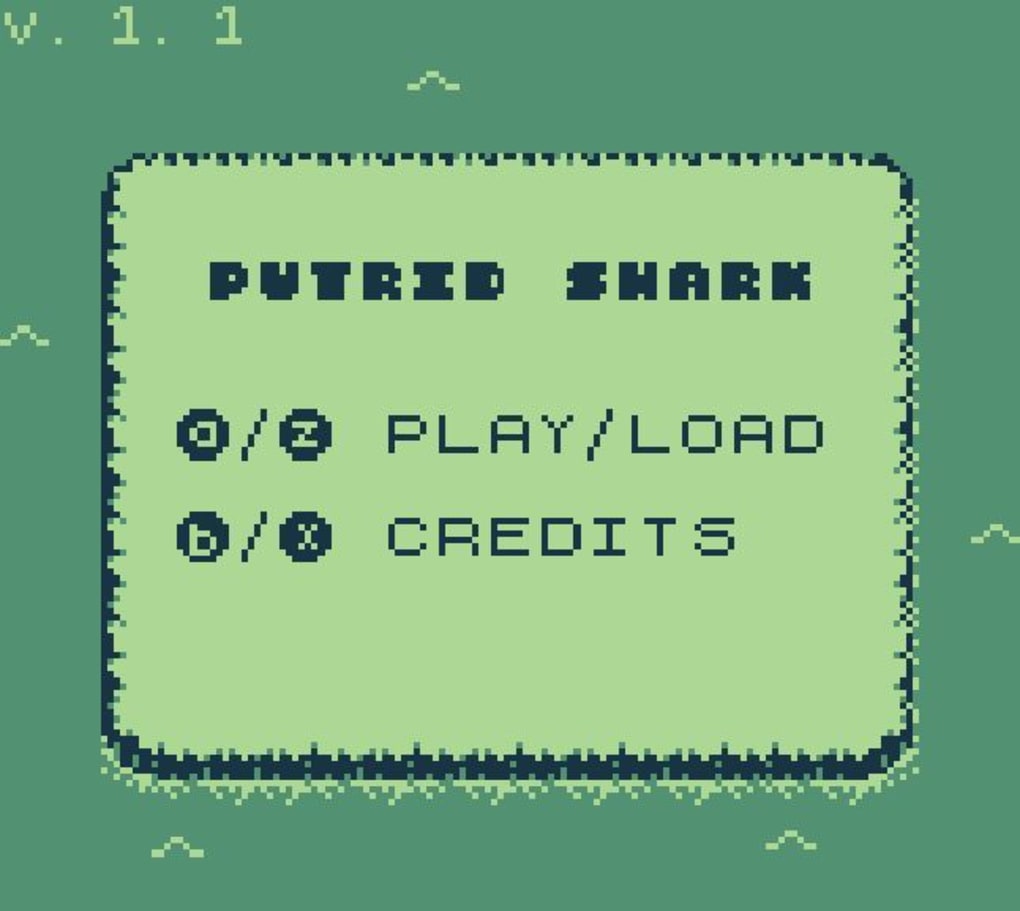
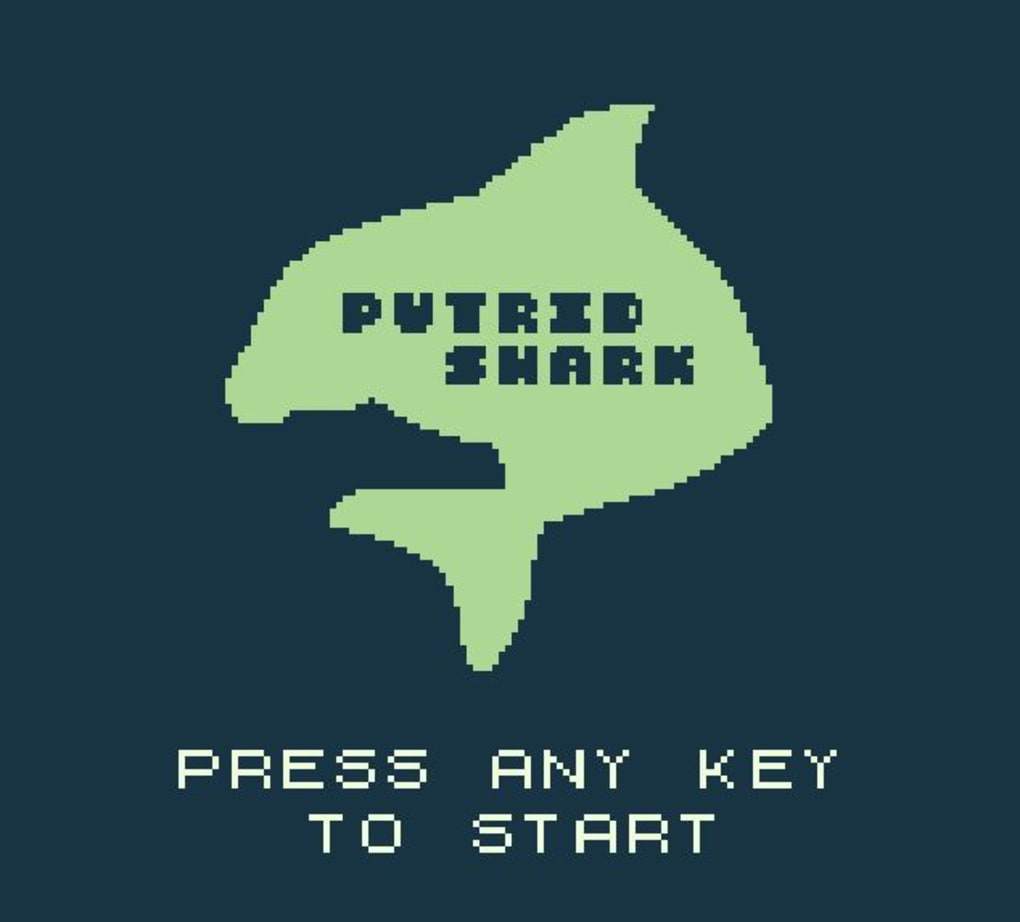
Putrid Shark is an 8‑bit role‑playing game that delivers a nostalgic Gameboy experience while daring to experiment with modern storytelling. Created by indie developer Carly Besterman, the title drops you into a monochrome world that feels ripped straight from the early days of Pokémon Red, Green, and Blue. You play as a determined female protagonist whose mission is to prevent the death of a mysterious “putrid shark.” The game’s aesthetic is pure first‑generation Gameboy: limited pixel art, a grayscale palette, and a screen‑size that forces you to focus on every tile.
What sets Putrid Shark apart is its original chiptune soundtrack, composed by the music collective that shares the game’s name. The soundtrack is tightly woven into the gameplay, giving each area a distinct auditory identity that feels both retro and fresh. Dialogue, however, breaks the visual mold by using contemporary language, creating an odd but charming contrast that keeps the experience lively.
While the initial premise can feel confusing—players aren’t immediately told why the shark is “putrid” or why they must save it—the ambiguity is intentional. It pushes you to explore, talk to quirky NPCs, and piece together a puzzle of tasks that ripple through the small townsfolk’s lives. The story culminates in a surreal showdown where the shark turns out to be a dolphin, offering a choice to fight or continue conversing. Though the ending feels rushed and the character development thin, Putrid Shark shines as a light‑hearted, free‑to‑download adventure that rewards curiosity and a love for 8‑bit aesthetics.
Features that Bring Classic Nostalgia to Modern Players
- Authentic Gameboy Visuals: True 8‑bit grayscale graphics that replicate the look and feel of a first‑generation Gameboy, complete with limited pixel work and a tiny screen layout.
- Original Chiptune Soundtrack: Music created by the Putrid Shark collective, delivering catchy loops that adapt to each area and enhance the retro atmosphere.
- Modern Dialogue in a Retro Shell: While the graphics are classic, the conversation uses contemporary language, giving the game a quirky, self‑aware tone.
- Explorative Quest Chain: A domino‑effect quest system where helping one NPC unlocks tasks for another, encouraging players to map out relationships in the game world.
- Multiple Endings: The final encounter with the “shark” offers a decision point—fight the dolphin or keep talking—leading to slightly different post‑game outcomes.
- Free to Download: No hidden fees or micro‑transactions; the entire experience is available at no cost.
- Cross‑Platform Compatibility: Built on the Unity engine, Putrid Shark runs on Windows, macOS, and Linux, ensuring a broad audience can enjoy the retro vibe.
- Lightweight Installation: The game file is under 200 MB, making it quick to download even on slower connections.
- Community‑Driven Updates: Carly Besterman actively listens to player feedback, promising patches that address bugs and fine‑tune balance.
Step‑by‑Step Installation & First‑Time Usage Guide
Getting Putrid Shark up and running is intentionally straightforward, mirroring the simplicity of classic handheld games. Follow these steps for a smooth start:
- Download the Installer: Visit the official Putrid Shark website or trusted platforms such as itch.io. Click the “Download for Windows/macOS/Linux” button. The file will be named
PutridShark_Setup.exe(or.dmg/.shfor other OSes). - Verify the File: For added security, compare the SHA‑256 hash provided on the download page with the hash of the downloaded file. This ensures the installer hasn’t been tampered with.
- Run the Installer: Double‑click the installer. On Windows, you may see a User Account Control prompt; click “Yes” to allow the program to make changes. macOS users may need to drag the app icon into the Applications folder, while Linux users can run the shell script via terminal (
chmod +x PutridShark_Setup.sh && ./PutridShark_Setup.sh). - Choose Installation Path: Accept the default location or select a custom folder. The installer will create a
PutridSharkdirectory containing the executable, data files, and a shortcut. - Complete Installation: Click “Install” and wait a few seconds. The progress bar will fill quickly thanks to the game’s modest size.
- Launch the Game: Use the newly created desktop shortcut or run the
PutridShark.exe(or respective OS binary). The first launch may take a moment as the engine caches assets. - Configure Settings: Inside the main menu, adjust screen resolution (the game defaults to 320 × 240 for authenticity) and toggle sound volume. The controls are simple: arrow keys for movement,
Zto interact, andXto open the menu. - Begin Your Adventure: Select “New Game” and watch the opening pixelated cutscene. The tutorial is minimal by design; you’ll learn most mechanics by exploring and talking to the first town’s residents.
For players who prefer a portable experience, the game also offers a .zip version that can be extracted and run without an installer—ideal for flash drives or cloud storage.
Compatible operating systems include Windows 10/11, macOS 10.13 or later, and major Linux distributions (Ubuntu, Fedora, Debian). No additional runtime libraries are required.
Pros, Cons, and Overall Rating
- Pros
- Authentic Gameboy‑era graphics that instantly trigger nostalgia.
- Catchy, original chiptune soundtrack that complements the visual style.
- Free download with no micro‑transactions, making it accessible to all.
- Cross‑platform support ensures players on Windows, macOS, and Linux can enjoy the game.
- Explorative quest chain encourages interaction with NPCs and rewards curiosity.
- Lightweight file size and quick installation process.
- Developer actively updates based on community feedback.
- Cons
- Storyline can feel vague at the start, leaving players unsure of the main objective.
- Character development is shallow; NPCs remain largely static throughout.
- The climax—where the shark reveals itself as a dolphin—feels abrupt and philosophically disconnected from the rest of the game.
- Limited dialogue depth; many conversations repeat similar sarcastic tones.
- Short overall length; experienced players may finish in a few hours.
Overall Rating: 4 out of 5 stars
Putrid Shark shines as a love letter to the Gameboy era, offering a free, well‑crafted pixel adventure that will satisfy retro enthusiasts. Its shortcomings in narrative depth and character growth keep it from achieving classic status, but its charm, music, and accessible gameplay make it a worthy download for anyone looking to reminisce while enjoying a fresh, quirky twist.
Frequently Asked Questions
Is Putrid Shark completely free or are there in‑game purchases?
Putrid Shark is 100% free. There are no micro‑transactions, DLCs, or hidden fees. You can download the full game from the official site or approved platforms without spending a dime.
What operating systems does Putrid Shark support?
The game runs on Windows 10/11, macOS 10.13 or newer, and most Linux distributions (Ubuntu, Fedora, Debian). A portable .zip version is also available for users who prefer a no‑install option.
Do I need a controller to play, or can I use a keyboard?
Keyboard controls are fully supported (arrow keys for movement, Z to interact, X for menu). The game also detects most standard gamepads, allowing you to play with a controller if you prefer a console‑like feel.
How long does it typically take to complete Putrid Shark?
Most players finish the main storyline in 2‑3 hours. Because the game encourages exploration and dialogue, completion time can stretch to 4‑5 hours for those who want to uncover every side quest and hidden pixel art.
Is there a save feature, or must I finish in one sitting?
Putrid Shark includes an auto‑save system that records progress after each major event. You can also manually save from the pause menu, allowing you to resume the adventure at any time.
Ready to dive into a pixel‑perfect world where a mysterious shark (or dolphin) awaits? Download Putrid Shark now for free, install it on your preferred platform, and experience a nostalgic trip with a modern twist. Whether you’re a retro gaming veteran or a newcomer curious about 8‑bit charm, this quirky RPG offers a quick, enjoyable session that won’t break the bank. Happy hunting!



.png)



